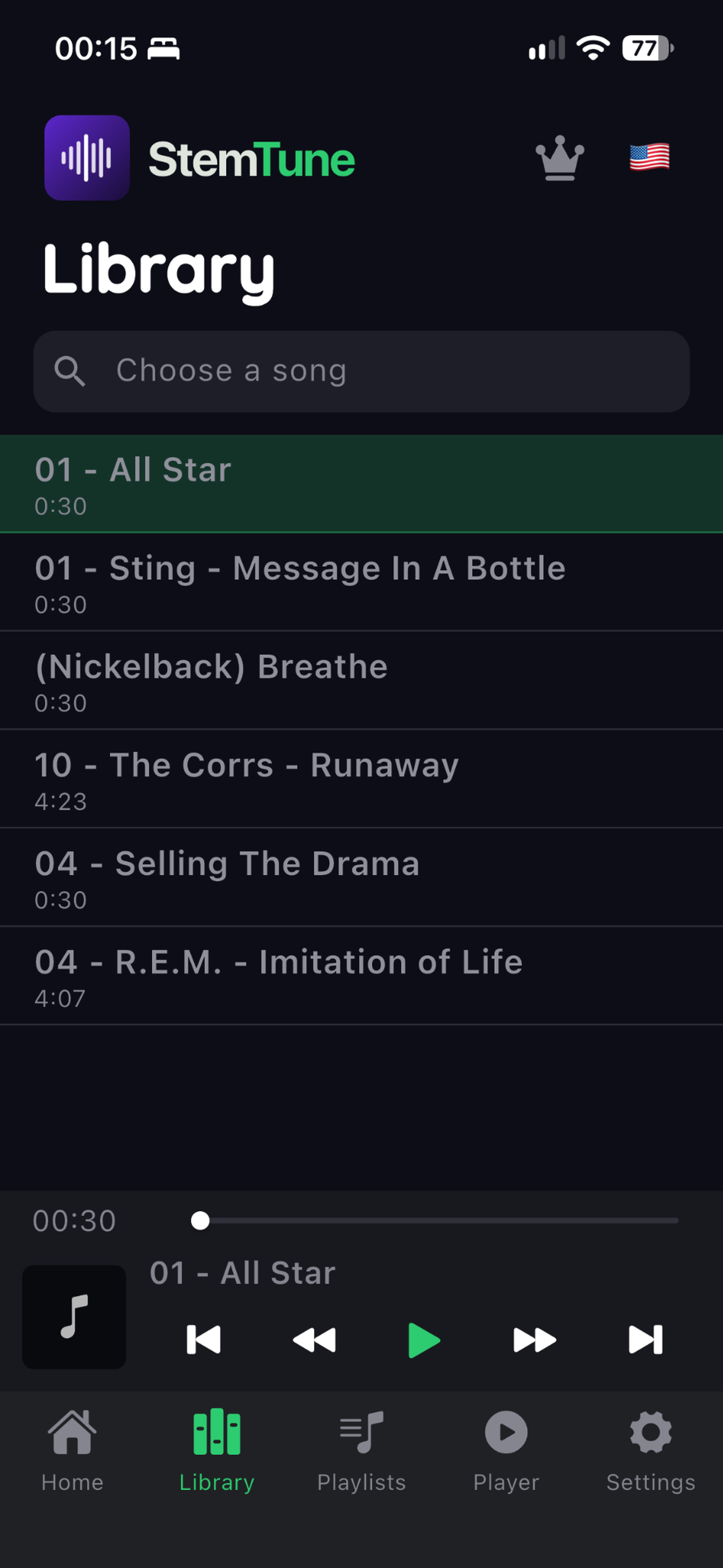
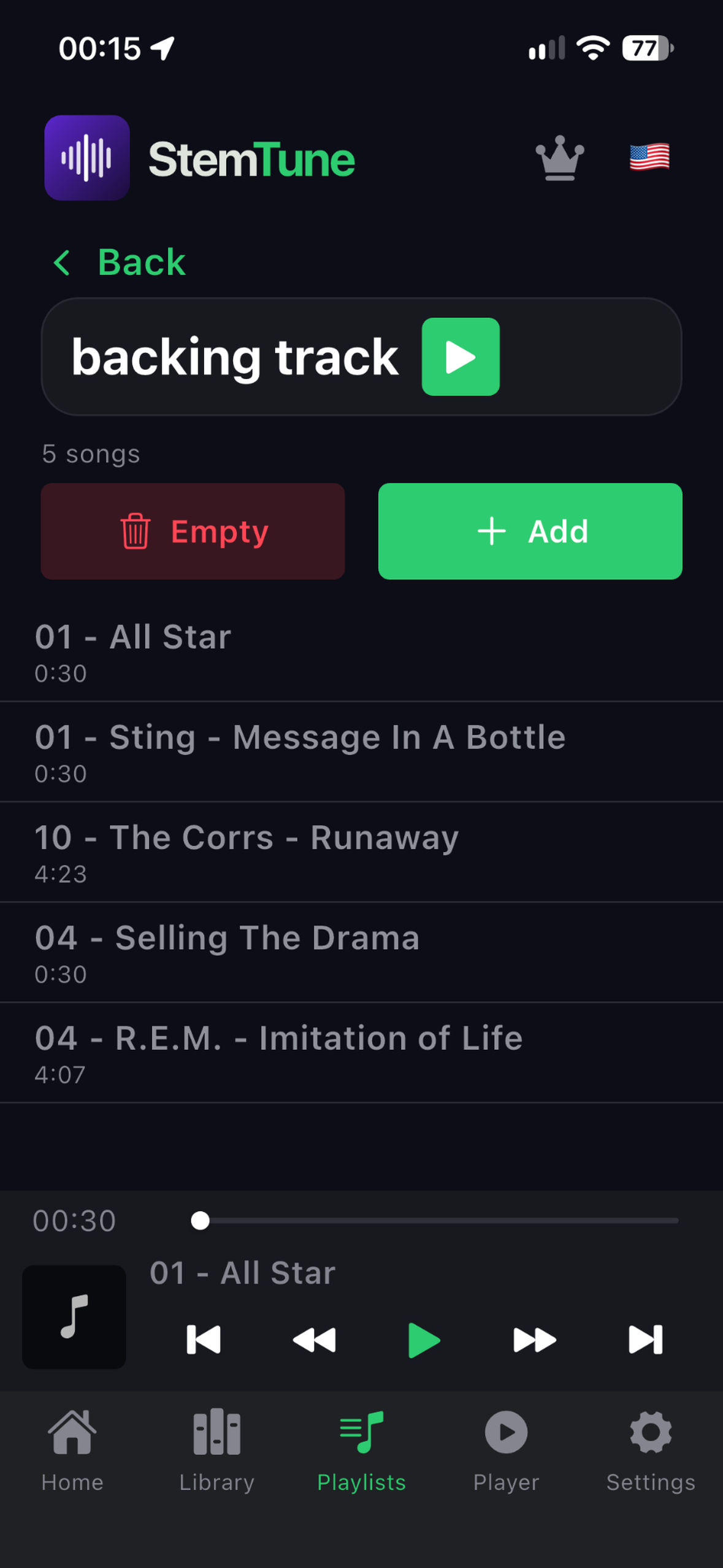
Import a track
Choose an audio file stored on your device. On iOS, Premium also lets you import local, DRM-free tracks from your Music library.
 StemTune®


LISTEN. LEARN. PRACTICE.
Hear the details.
Choose your part. Step in.
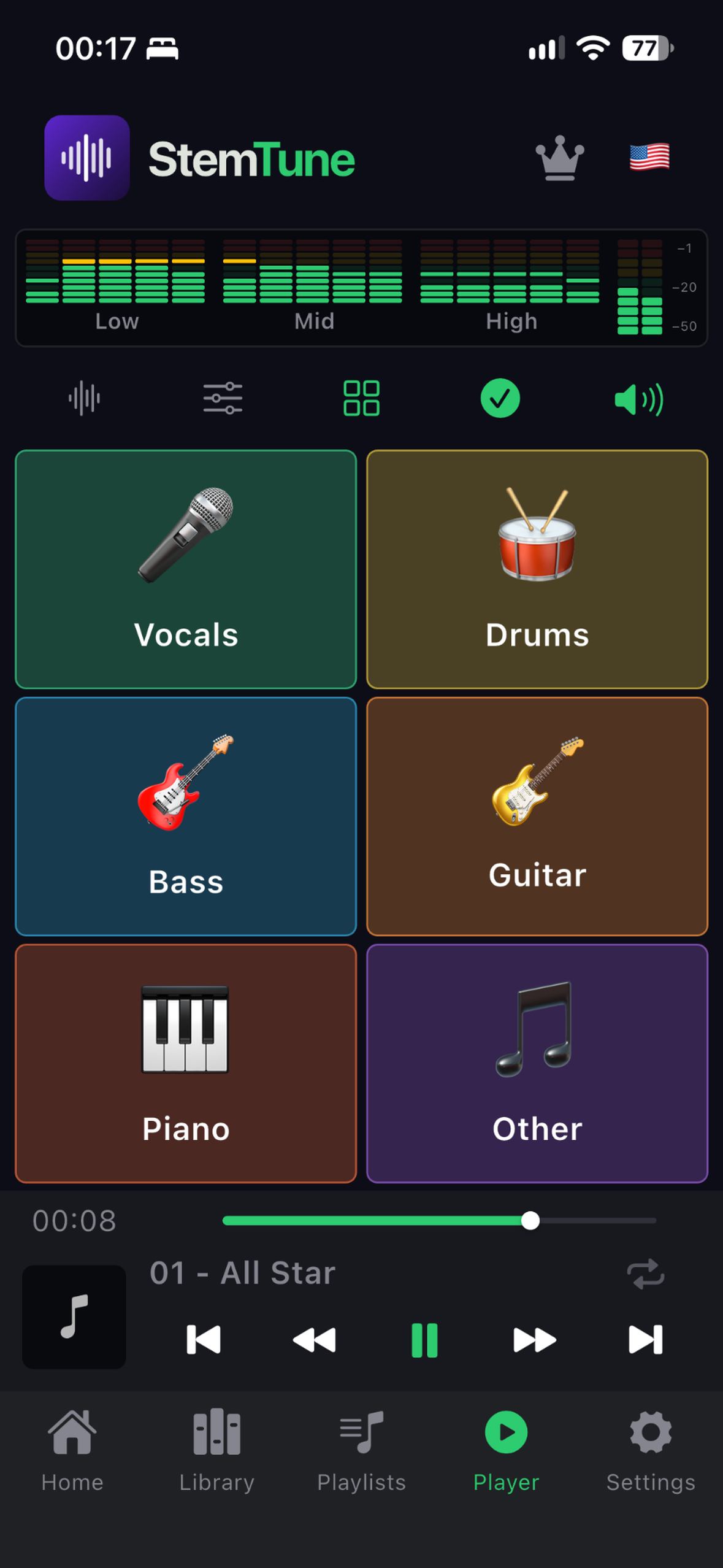
Listen to the bass on its own, mute the drums to play along or rehearse with the instrumental. With StemTune, you control the parts of a song on your phone.
Android · iPhone · iPad (iOS 17+). Start with the free plan: up to five separations of clips up to 30 seconds, with access to your chosen instrument. Full songs and all instruments are available with Premium.

01 — HOW IT WORKS
Import a track, explore the separated parts and choose what to practice. Your music is processed on your device, without sending audio to servers.
Choose an audio file stored on your device. On iOS, Premium also lets you import local, DRM-free tracks from your Music library.
Use StemTune’s AI to separate vocals and instruments. Premium unlocks all six parts.
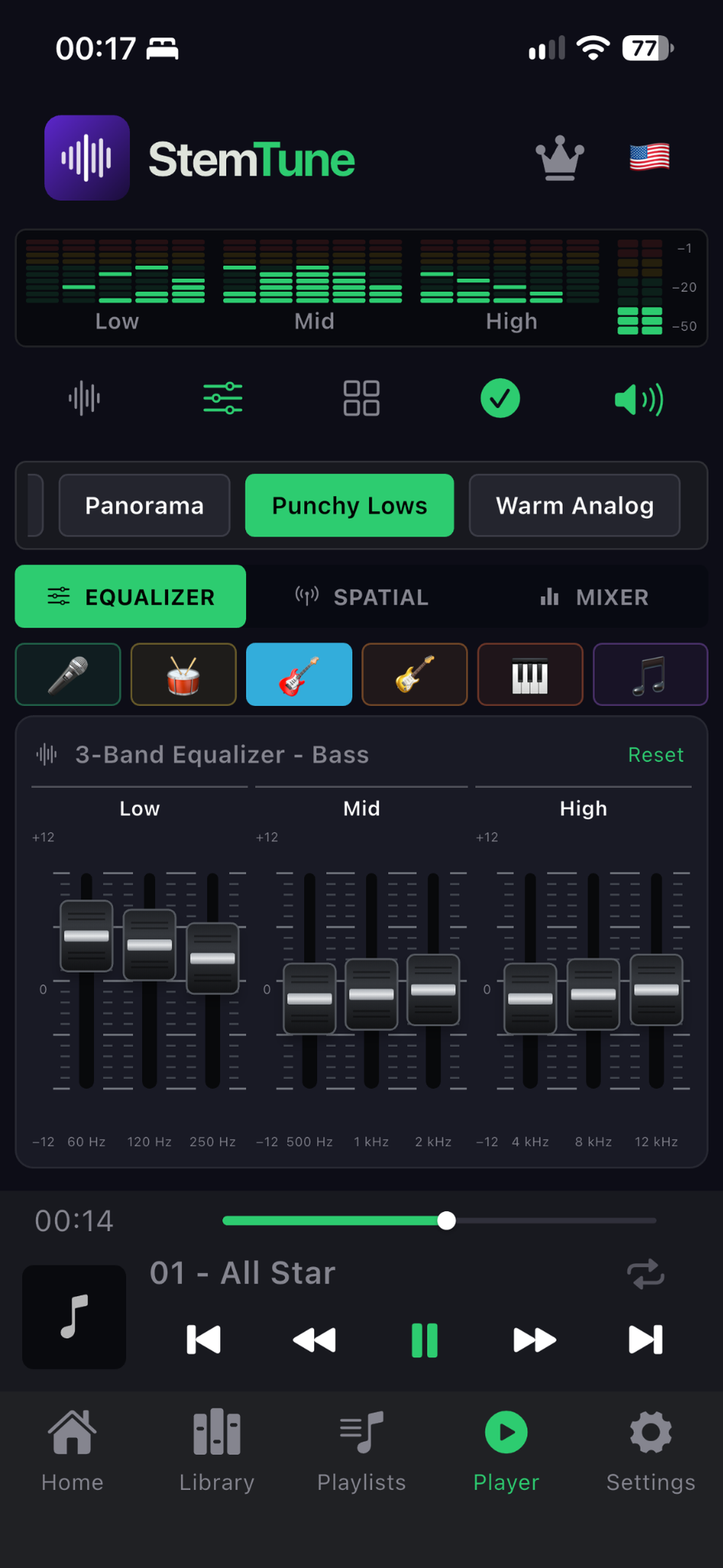
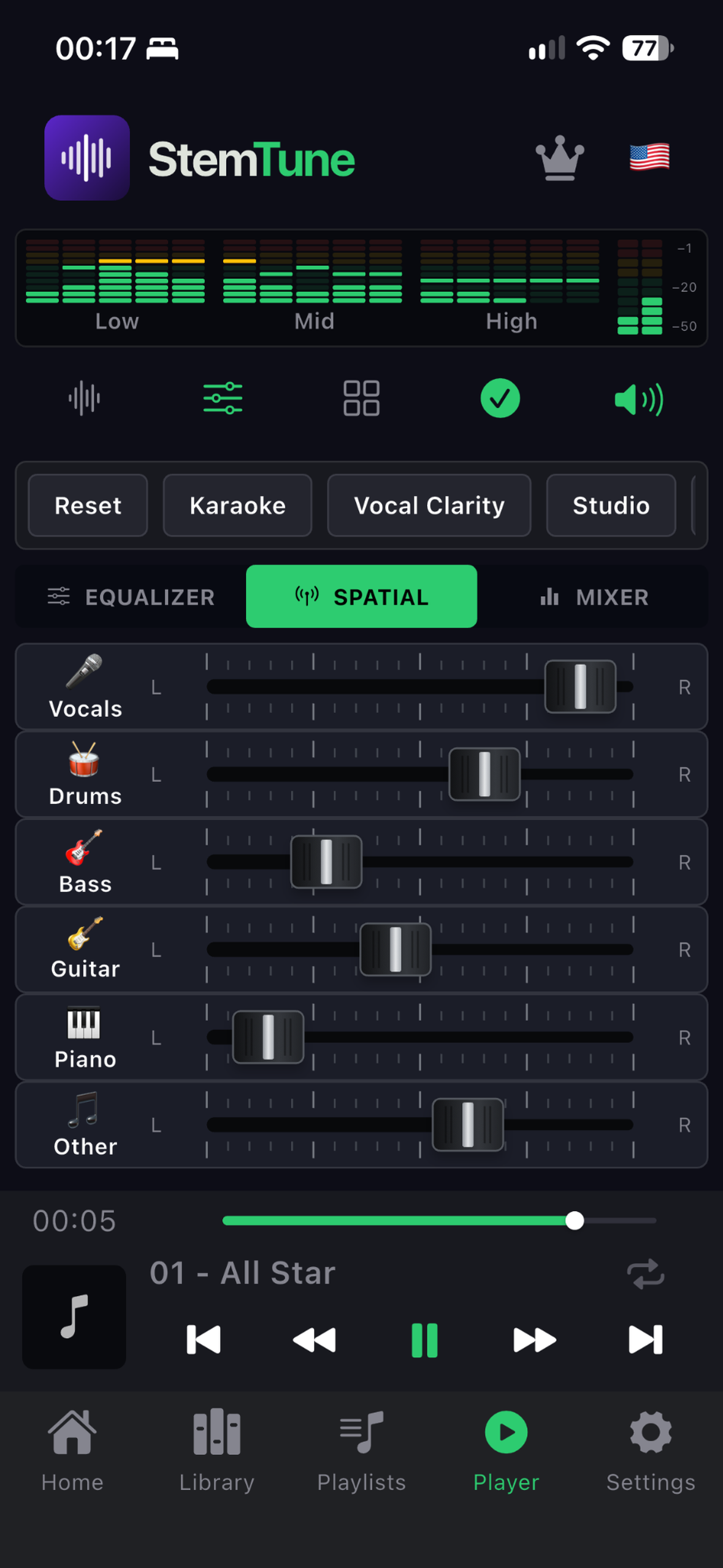
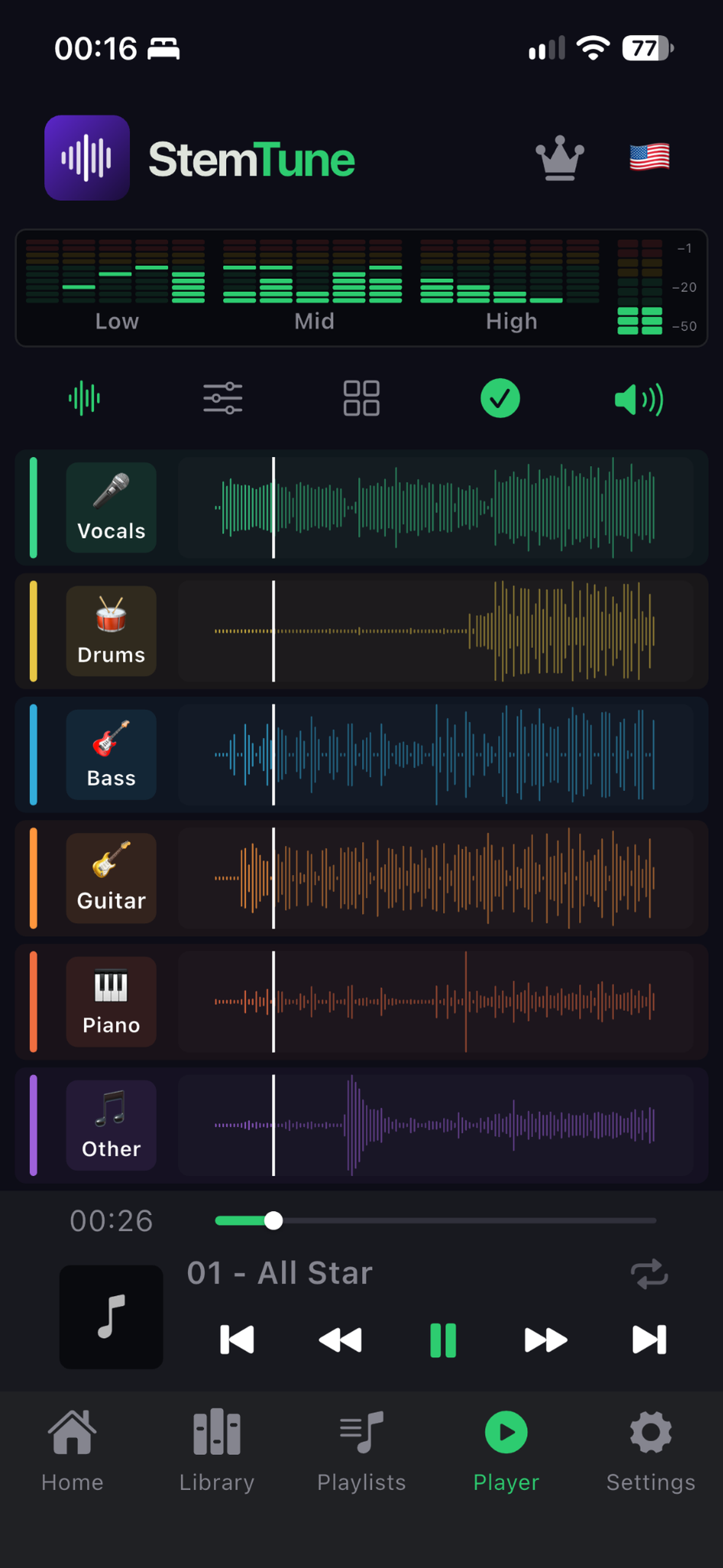
Explore the mixer, adjust the volumes and choose which parts to hear. Download StemTune and give it your first try.
02 — IN PRACTICE
Learn by ear.
Play along.
Rehearse your vocals.

Listen to the isolated instrument and focus on the notes, rhythm and phrasing. Choose a passage and try to play it back.

Mute the instrument you play and practice with the rest of the track. Organize your repertoire in the library and playlists.

Mute the original vocals and sing with the instrumental. Practice your entrances and work on your interpretation.
YOUR QUESTIONS, ANSWERED.
D-B stands for De-Bleed. The filter reduces bleed from other instruments in a separated track, such as residual drums in the vocal track.
Yes. The free plan includes up to five separations of clips up to 30 seconds, with access to your chosen instrument. Premium unlocks full songs, every instrument and unlimited separations.
No. Separation is processed on your device. Your tracks stay in the app’s local library.
You need an audio file available on your device. Streaming-only or DRM-protected tracks cannot be imported. On iOS, Premium also lets you import local, DRM-free tracks from your Music library.
Yes. Organize your processed tracks into playlists for practice and rehearsals. The app also supports background playback.
The time depends on your device and the track’s length. Keep the app open during processing. Separation quality varies with the original recording.
YOUR NEXT PRACTICE SESSION STARTS HERE.
Start by listening more closely to one part. Then try practicing with the others.
Free download for Android, iPhone and iPad, with Premium features available through in-app purchases.